Integrating with TIM Enterprise
After installing Echo into your voice network, you need to configure its presence in TIM Enterprise, by following the steps below:
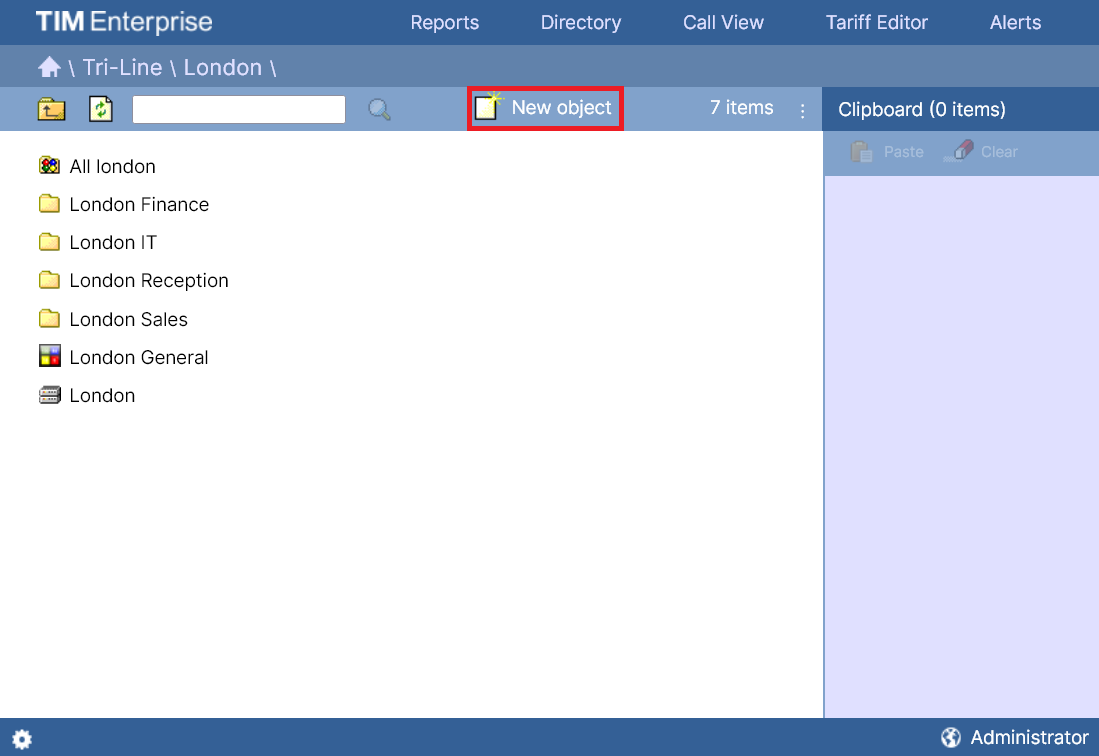
Log in to TIM Enterprise, drill-down to the Directory level where you want to add the call recording device and click on the New object1 tab, as shown below:
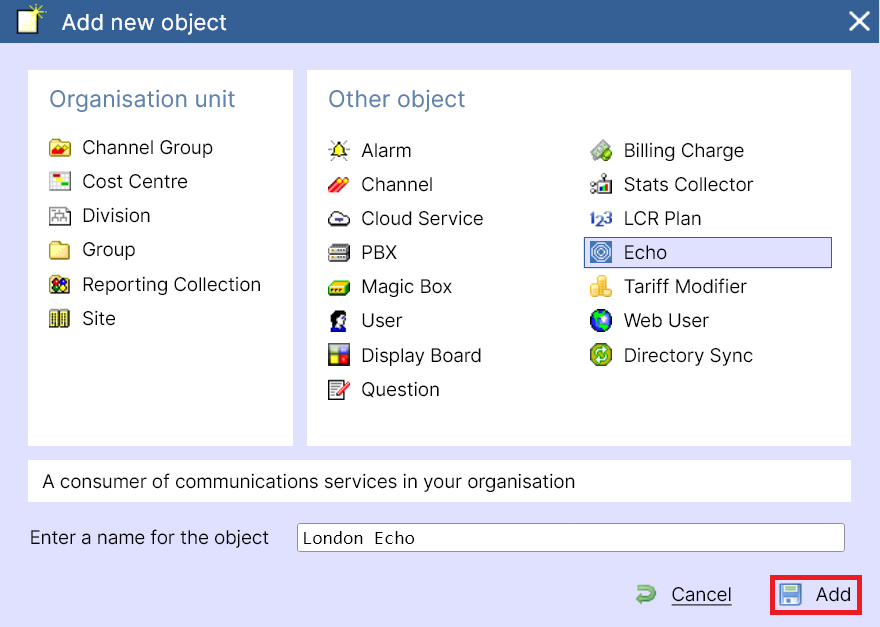
In the new window that opens, select the Echo object from the Other object list, enter a name and press save, as shown below:
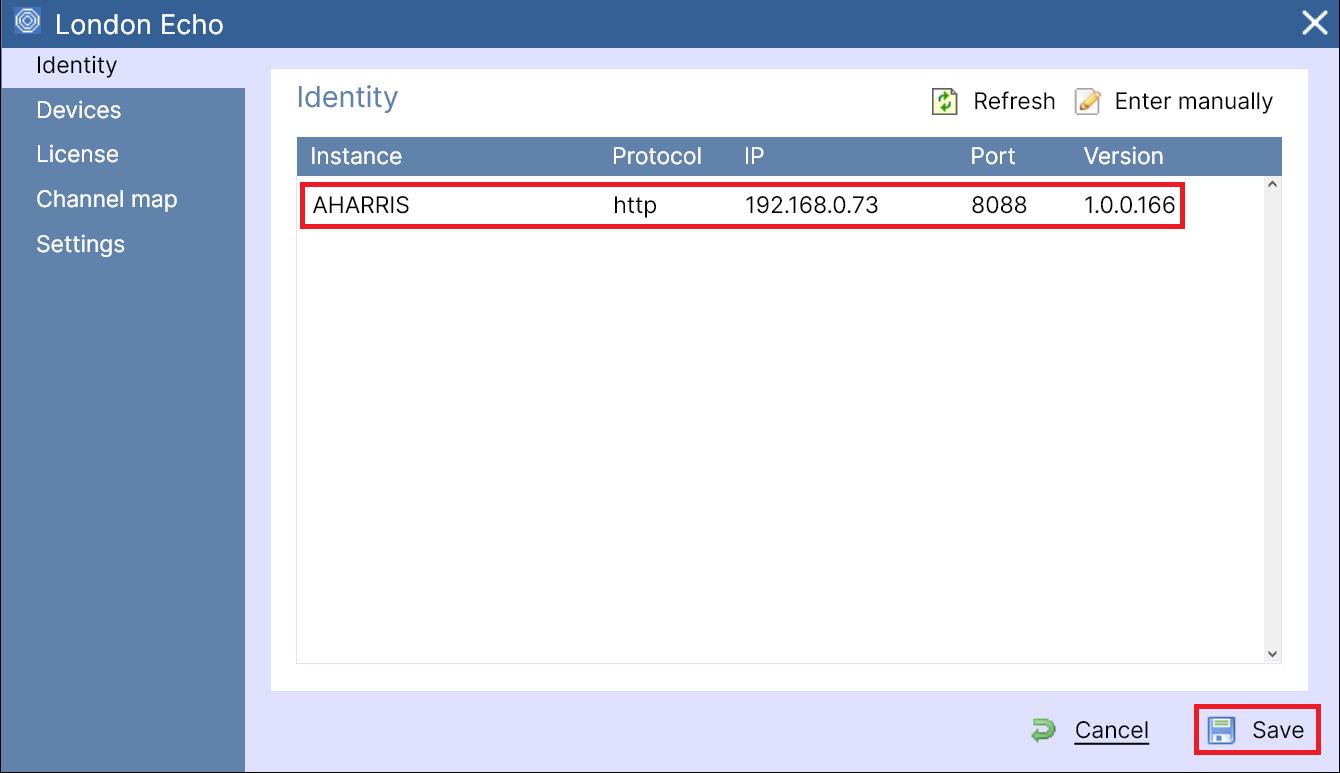
A new window will open, allowing you to select your Echo instance. Click on it to be bought to the configuration screen:
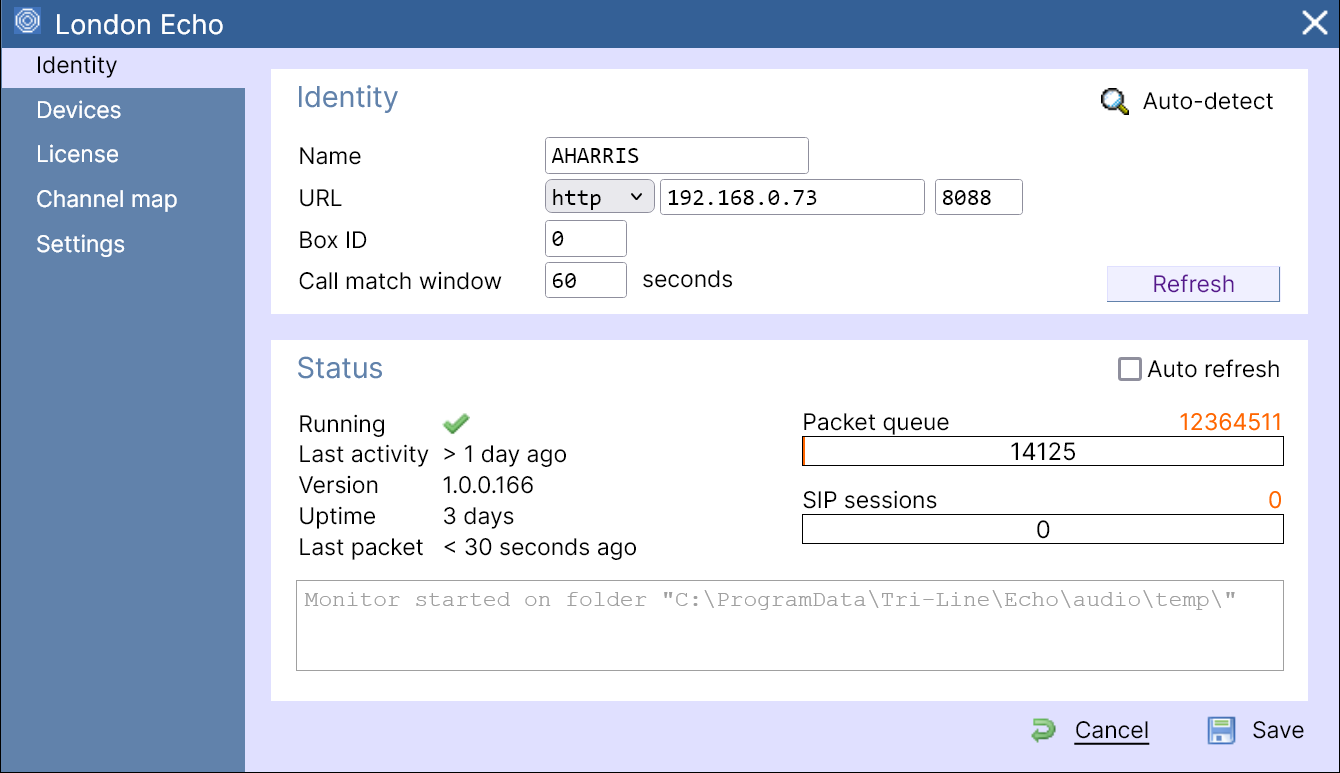
Settings
| Setting | Description |
|---|---|
| Name | The name of your recording device |
| URL | The http protocol, IP address and port number for the Echo instance |
| Box ID | The unique identifier of each call recording device |
| Call match window | The time interval around which TIM Plus will search for calls when matching audio files |
Press Save when you have finished.